Most “failed” web projects don’t start with bad code! They start with a poor brief. When expectations are left to the imagination, you end up with a site that looks great but fails to solve your actual business problems.
At Make Do, we’ve seen thousands of briefs. Some are 50-page technical documents, and some are a single paragraph. The secret to a successful project isn’t the length of the document it’s the clarity of the intent. Here is how to write a brief that ensures you get exactly what you need.
Ho ho ho! Here is your Christmas Day post. While everyone else is arguing over the last Yorkshire Pudding (yes, they should be there) or napping through the Kings Speech we know the real high-performers like you are already plotting new website project for 2026.
The Essentials of a Solid Brief
A good website or WordPress brief should be a roadmap, not a riddle. Before you even think about design, you need to define:
- The “Why”: What is the primary business problem this site needs to solve? (e.g., “We need to reduce support tickets by 30%” or “We need to automate our onboarding process”).
- The Audience: Who is using this site? What are their pain points?
- The Scope: Be specific about features. “I need a CRM” is vague; “I need a WordPress-integrated tool that captures leads and pushes them to Salesforce” is a brief.
- The Budget & Timeline: Being transparent here isn’t about giving an agency a “target” to hit; it’s about allowing them to suggest the most effective solution for your resources.
What We Look For in a Project Brief
As a specialist agency, we look for indicators of technical maturity in a WordPress website development plan. We want to know:
- Integrations: Does the site need to talk to your legacy systems, APIs, CRMs, or marketing tools?
- Content Migration: Are we moving 20 years of “Frank from IT’s” data, or starting fresh?
- Performance & Security: Are you a high-traffic publication or a niche B2B portal with strict SLA requirements?
Red Flags!!! When to Slow Down
If your brief includes phrases like “We’ll figure out the features during the build” or “Just make it look modern,” it’s a red flag. These are signs that the project isn’t ready for development and needs a (puts on sunglasses) Discovery Phase.
At Make Do, our discovery process involves:
- Meetings & Workshops: Collaborative sessions to unpick your true requirements.
- Technical Audits: Deep dives into your current technical debt and legacy systems.
- Quick Visual Prototypes: Creating “lean” versions of your ideas to test functionality before we write a single line of production code.
Download the “Brief Your Agency Properly” Checklist
To help you get started, we’ve put together a simple, non-technical checklist that covers everything a specialist agency needs to know. Use this to structure your thoughts before you hit “send” on that introductory email.
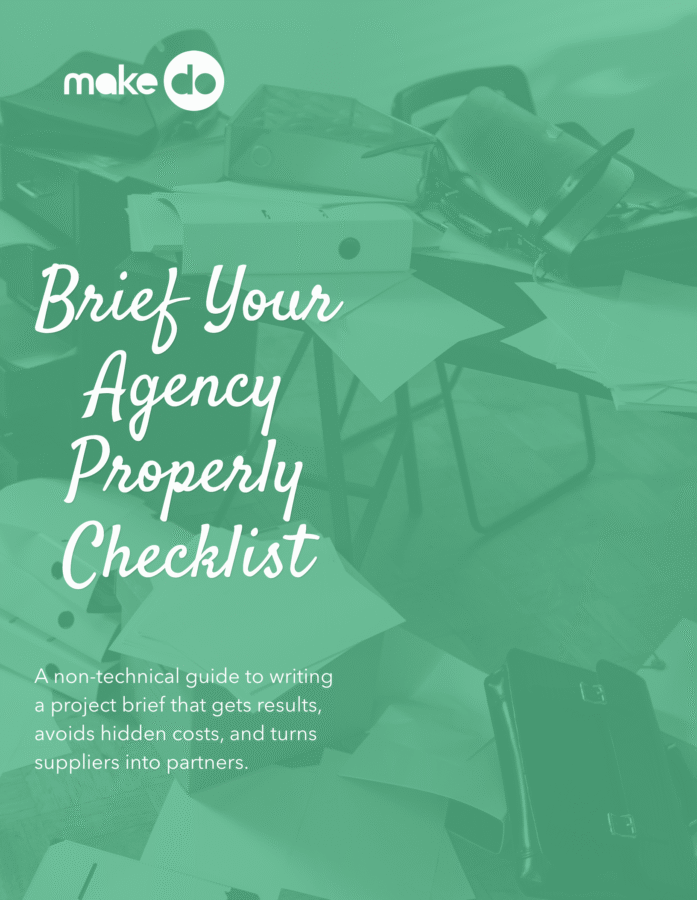
FREE CHECKLIST
Brief Your Agency Properly: The Ultimate Project Checklist
Most web projects fail because of vague instructions, not bad code. Download our non-technical guide to help you define your business “Why,” identify technical red flags, and ensure you get exactly what you need from your next digital partner.
Ready to talk to a technical WordPress agency?
Communication is what turns a standard supplier relationship into a real partnership. If you have a brief ready today, even if it is only a rough draft, send it over.
We are a technical WordPress agency UK businesses can work with from the earliest planning stage through to delivery and support.
We’ll give it a friendly review and let you know if you’re on the right track or if a bit of discovery could save you thousands down the line.